
IT and Computer Moving Service
Moving business technology is different from moving ordinary office furniture. Computers, monitors, servers, network hardware, peripherals and cables need an organised plan so equipment stays identifiable, protected and ready for the client’s IT team at the destination.
Among the computer movers Ottawa businesses can choose, O’Johnny Movers provides a professional IT and Computer Moving Service for offices, schools, organisations and other workplaces that need technology equipment relocated carefully. We can help with packing, labelling, loading, transportation, unloading and destination placement based on the approved moving scope.
Whether the move involves a few workstations, an office department, a server room or technology equipment travelling between locations, the objective is the same: keep the physical move controlled, reduce avoidable confusion and hand equipment over in an organised condition. When technology is moving as part of a complete workplace transition, our Office Relocations service can help coordinate the wider moving schedule.
Why Choose O’Johnny for Computer and IT Moving?
Choosing an IT and Computer Moving Service involves more than hiring a moving crew. Office managers, facilities teams, business owners, employees, building management and internal or external IT personnel may all have responsibilities before systems can be moved and used again.
O’Johnny Movers focuses on the physical relocation side of that process. We coordinate equipment handling, packing, labelling, access, loading order, transport and placement so the office technology relocation can fit the broader business moving plan.
Before moving day, we recommend confirming who will shut down and disconnect equipment, who is responsible for data backup, whether servers or racks require specialist technical handling, how workstations should be labelled, and who will reconnect and test systems after delivery. Those responsibilities should be agreed before the move rather than assumed on moving day.
For businesses relocating an entire workplace, our Business Moving service can be planned alongside the technology move so furniture, workstations and IT equipment follow one coordinated schedule.
Get Free Quote
SERVICE
Our IT and Computer Moving Service
Technology relocation can involve different equipment, access conditions and destination requirements. O’Johnny Movers can support the physical movement of common workplace technology and related items within the approved project scope
Local Storage Movers
Our local storage movers safely transport your belongings to and from storage locations while ensuring careful handling throughout the process.
Temporary Storage Movers
When your move requires short-term flexibility, our temporary storage solutions help protect your belongings until your new location is ready
Furniture Storage Movers
Large furniture requires proper handling and protection. Our furniture storage movers carefully move sofas, tables, appliances, and other household items.
Household Storage Movers
For complete home relocations, our household storage movers provide organised transportation and storage support for your belongings.
Packing Services
Our professional packing services protect your items using quality materials, proper labels, and organised packing methods.
Commercial Storage Moving
Whether you are moving a home or business, our team provides structured storage transportation services with minimal disruption.
Special commodities movers protect artwork, antiques and fragile valuables carefully during transport.
Emergency movers respond fast to urgent relocations with clear action planning support.
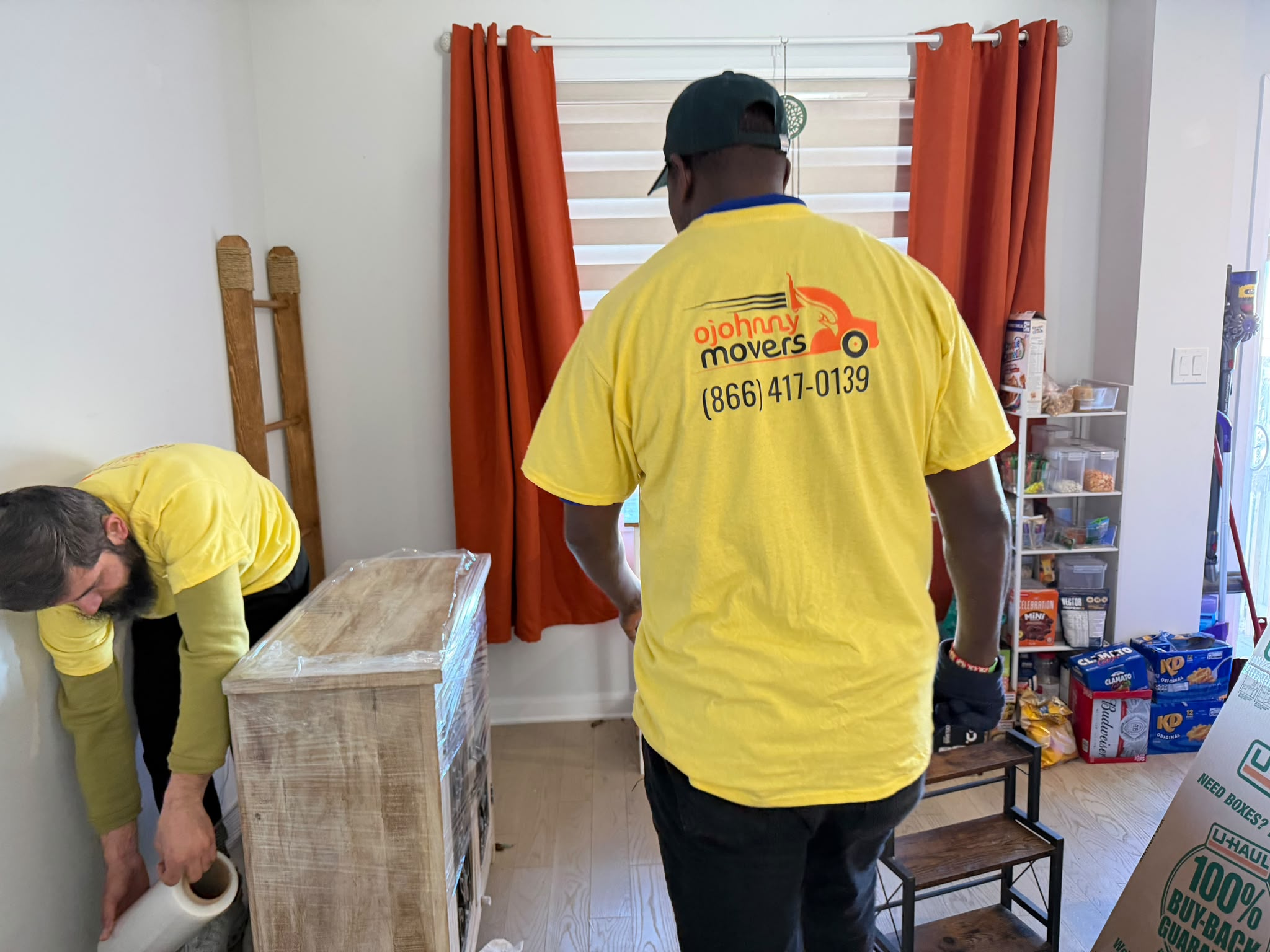
Same-day movers complete relocations quickly when timing becomes critical for homes businesses.
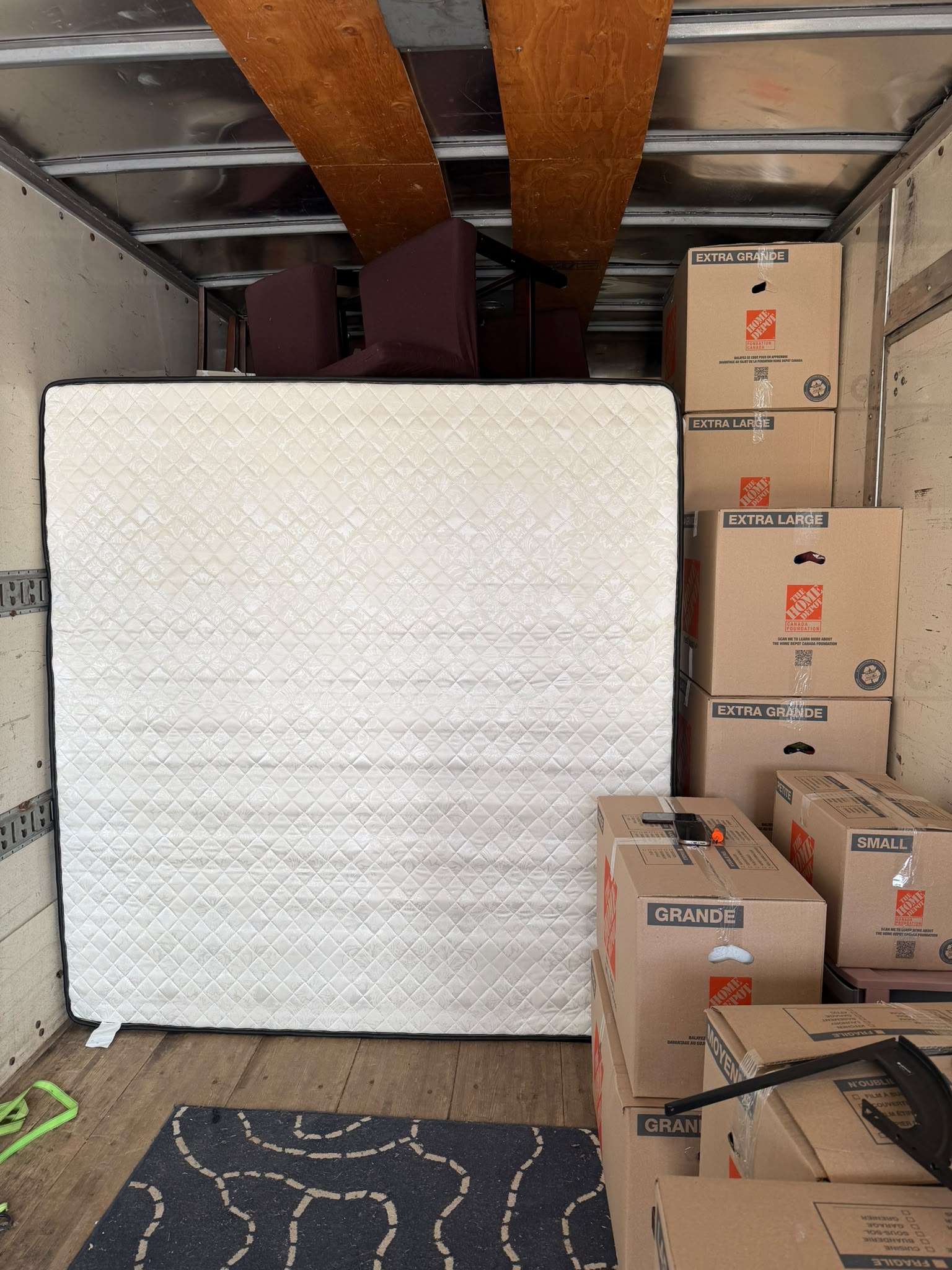
Manpower services provide trained movers for loading, unloading and rearranging tasks safely and efficiently.
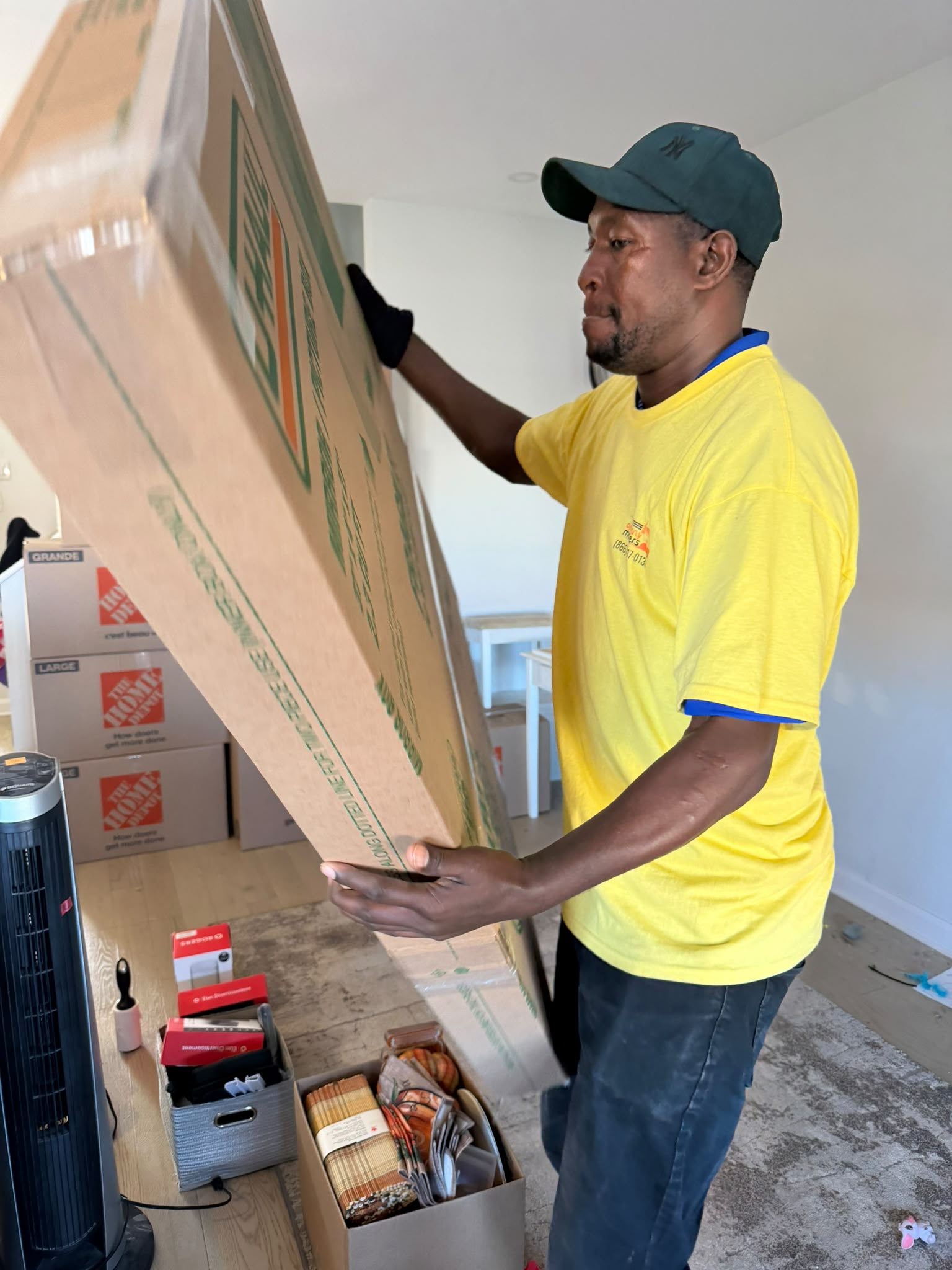
Downsizing services help reduce space thoughtfully without rushed decisions for homes offices.
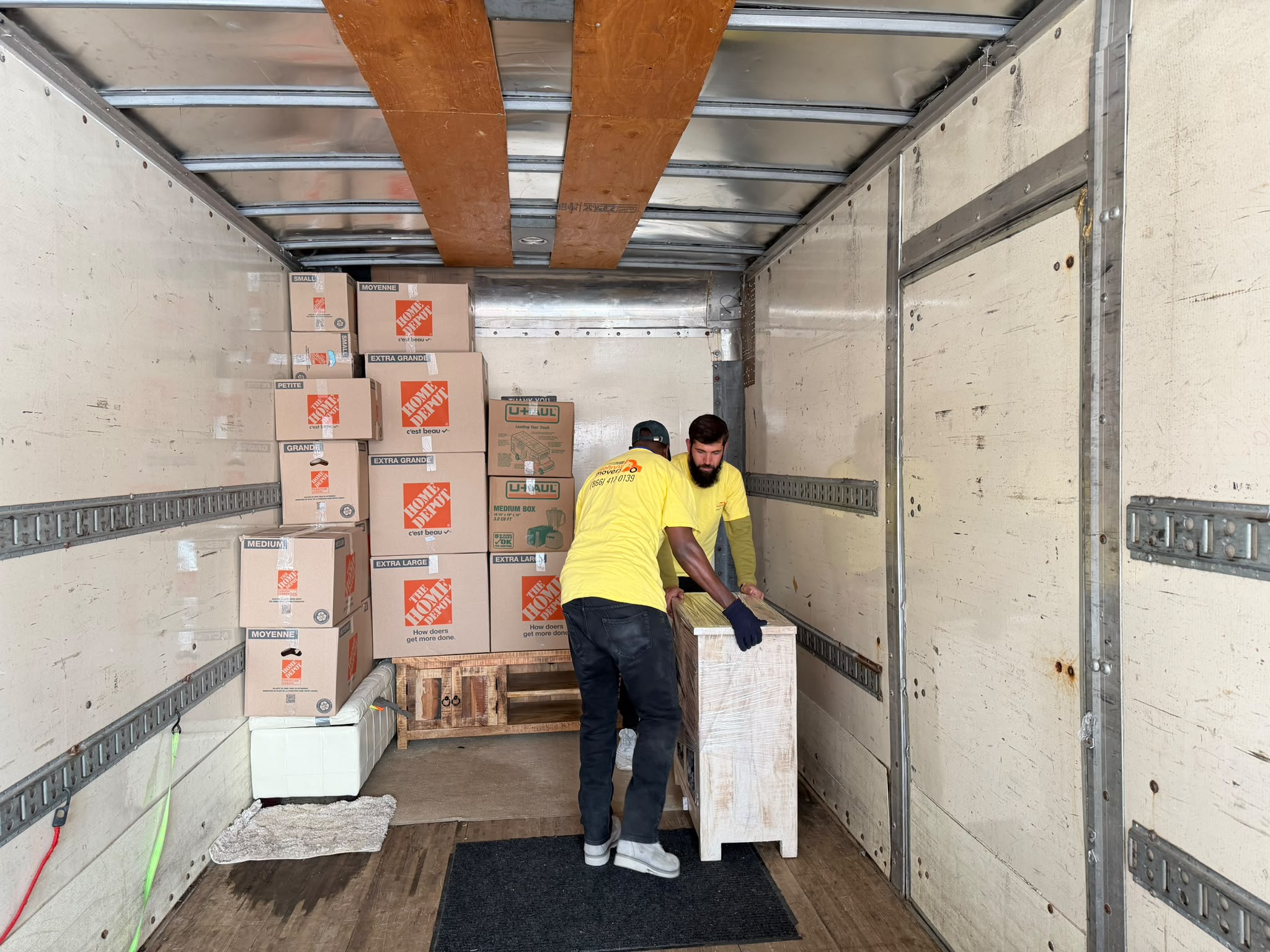
Hotel movers relocate furniture quietly while respecting guests' staff comfort during renovations.
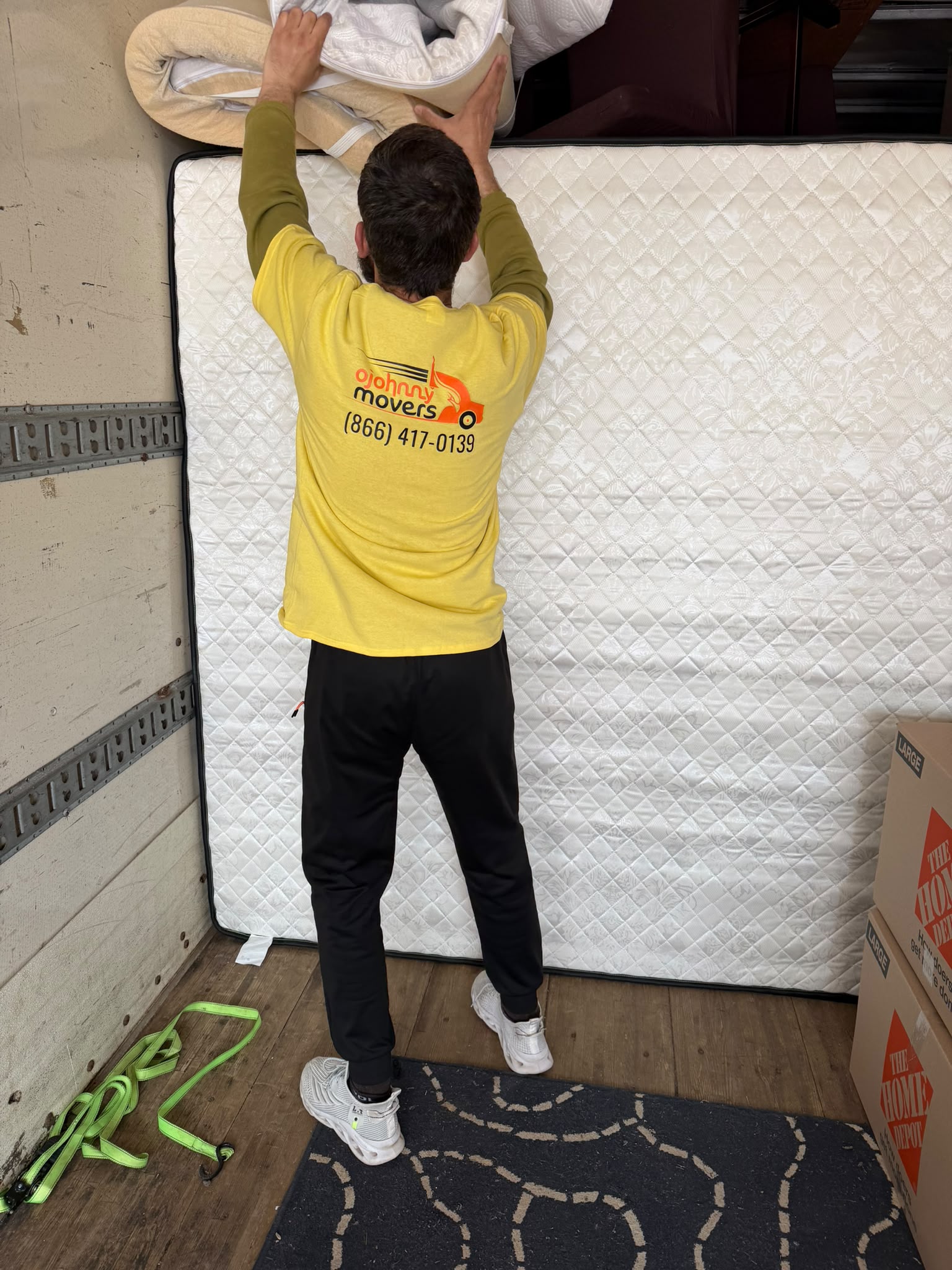
Furniture removal includes safe lifting, clean removal and responsible disposal support services.
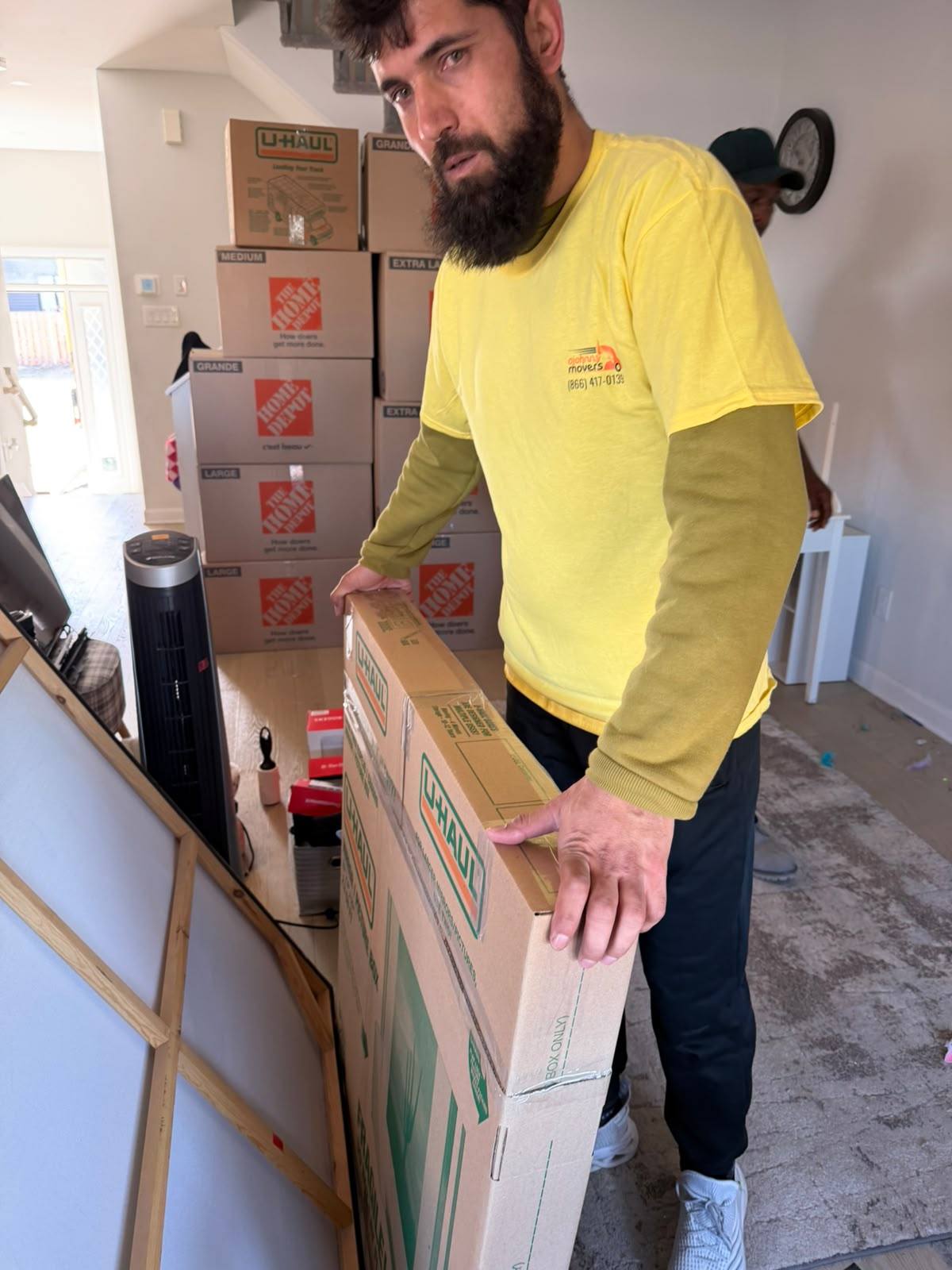
Specialized equipment movers handle heavy sensitive items with controlled careful transport methods.
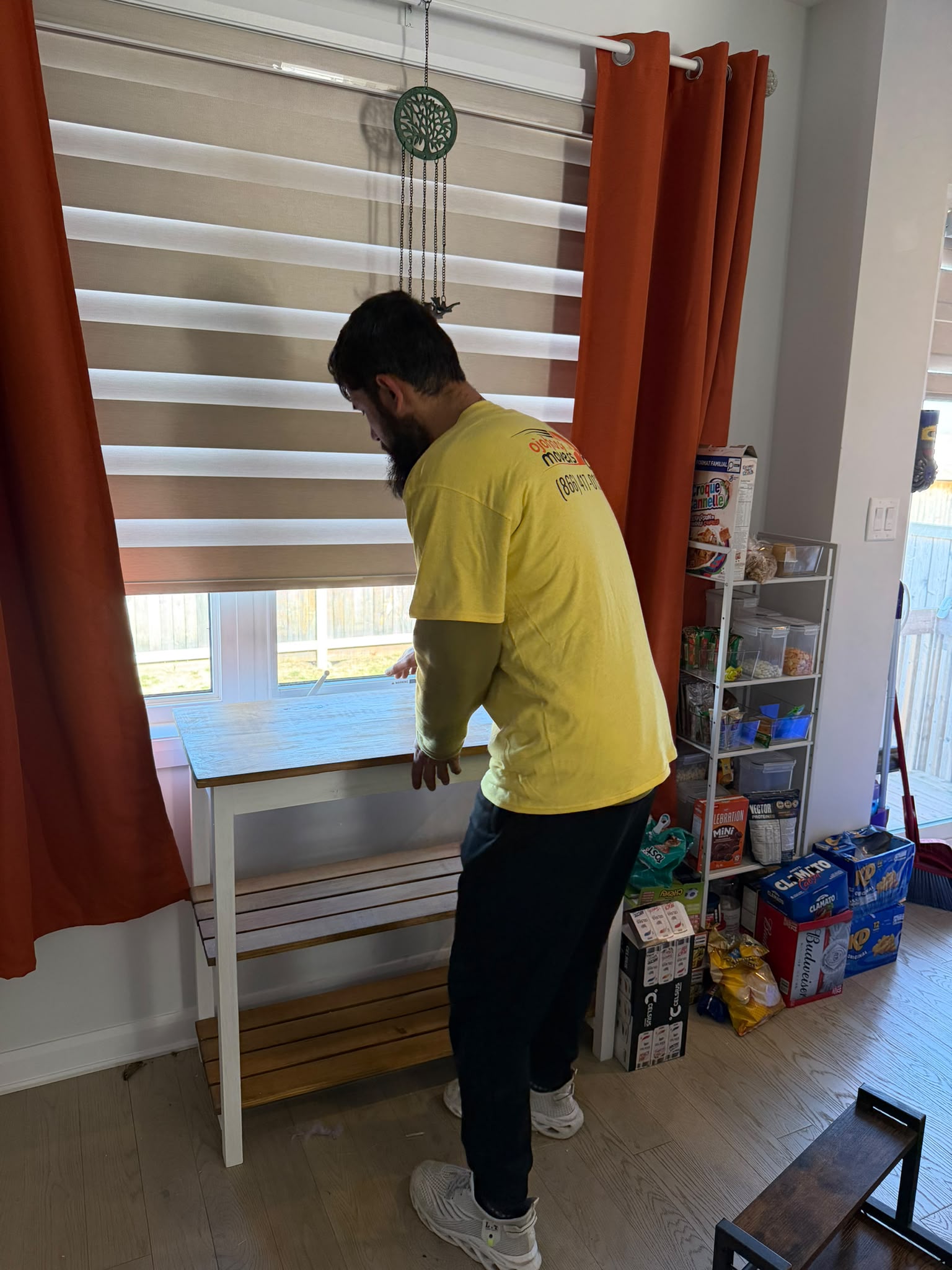
Business move services keep operations organised while relocating workspaces efficiently without disruption.
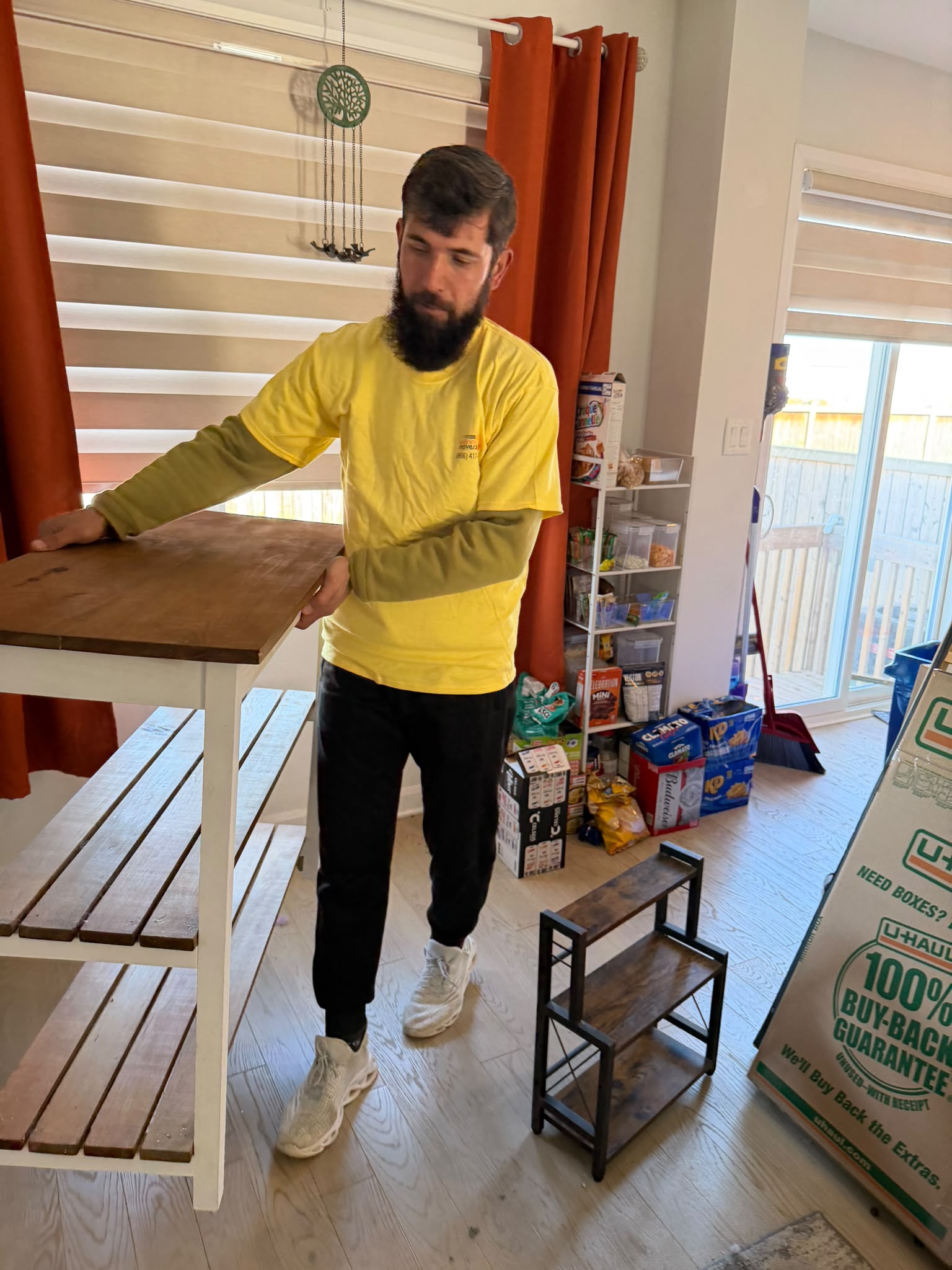
Office furniture moving includes safe disassembly transport and accurate placement during relocations.
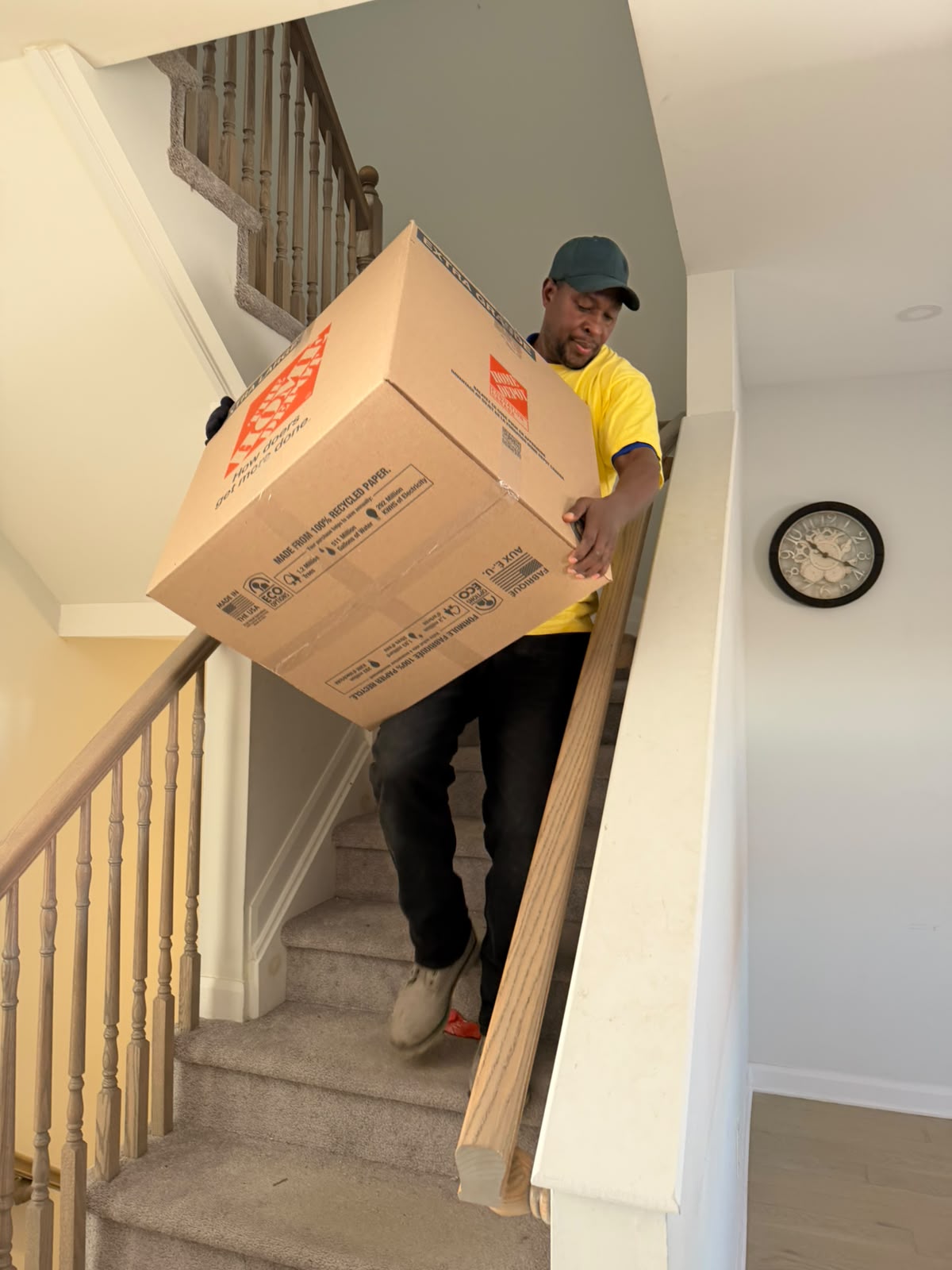
IT and computer moving secures systems devices cables during relocation without damage.
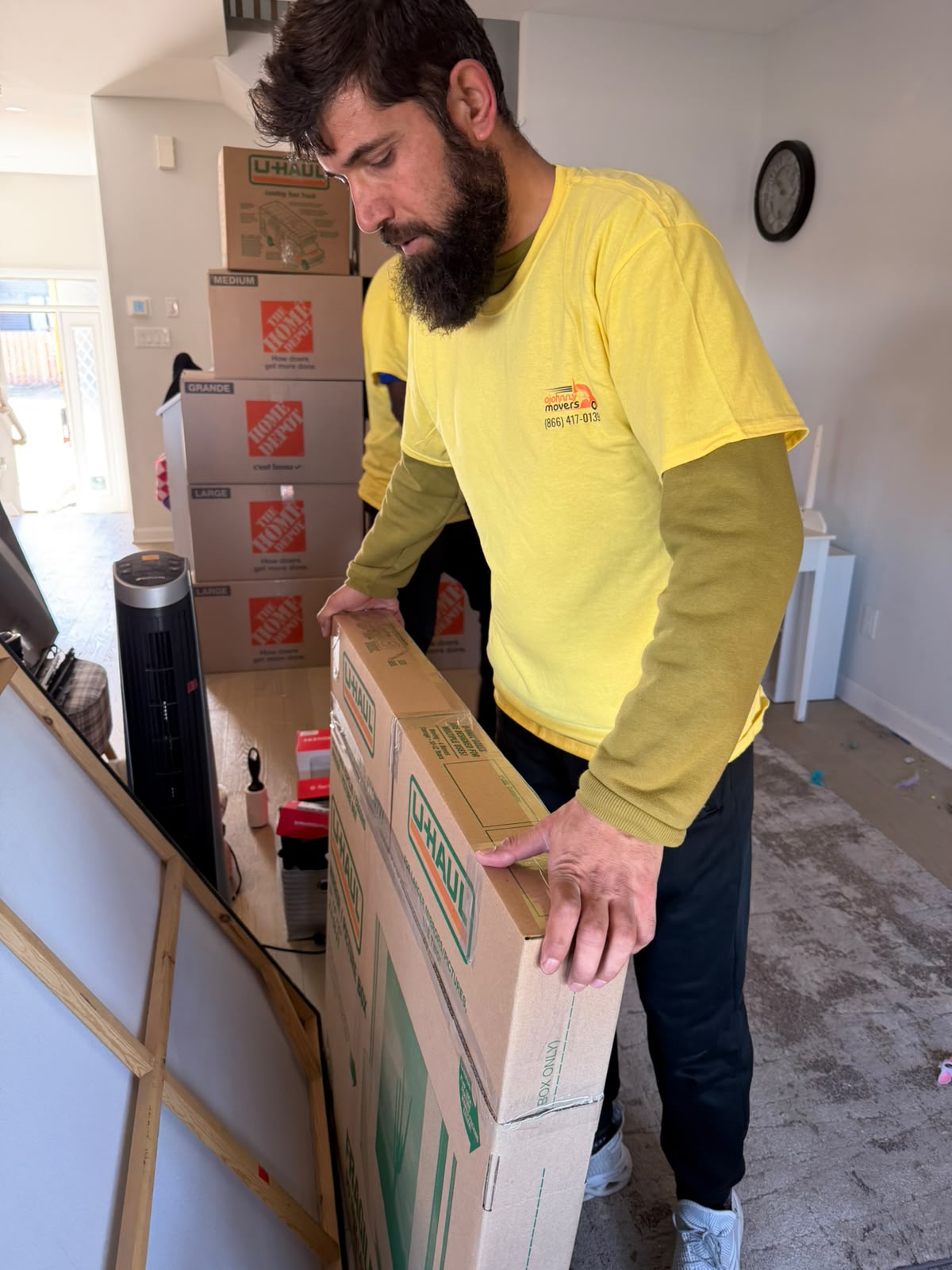
Installation and removal of furniture completed safely to match new layouts perfectly.
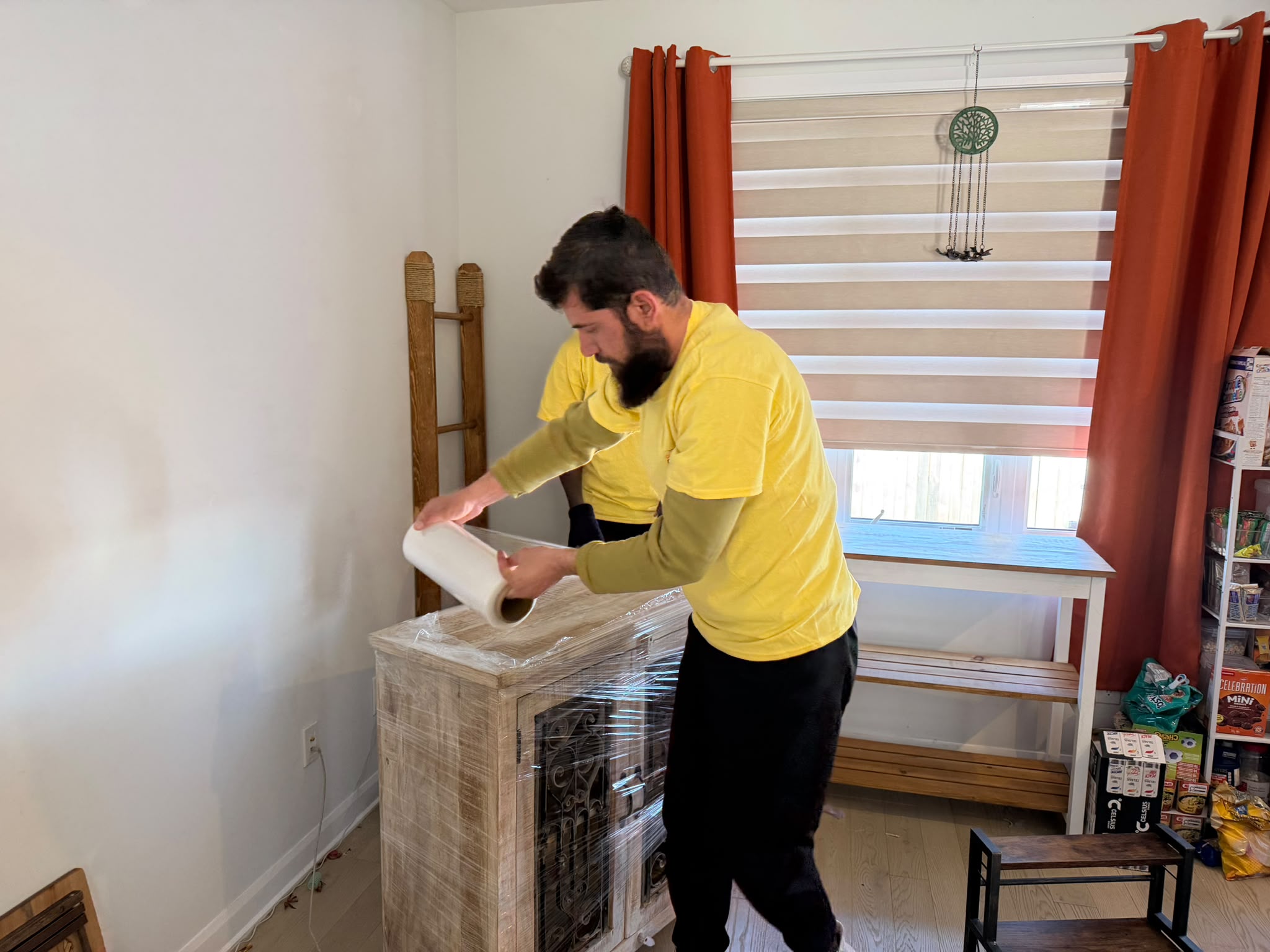
Office relocations follow staged plans supporting departments workflow continuity across growing businesses.
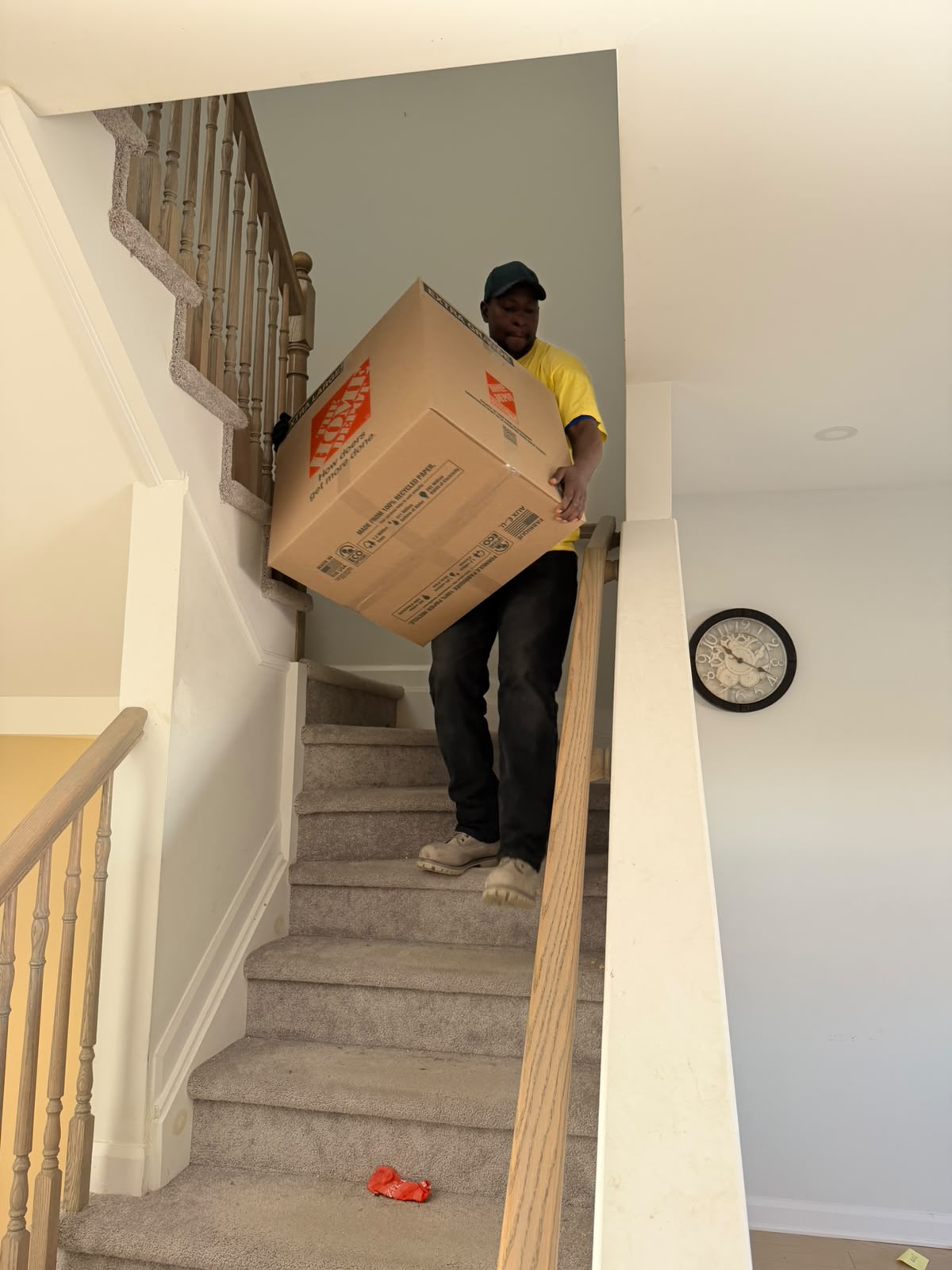
Transportation of items provides safe delivery for single multiple loads near you.
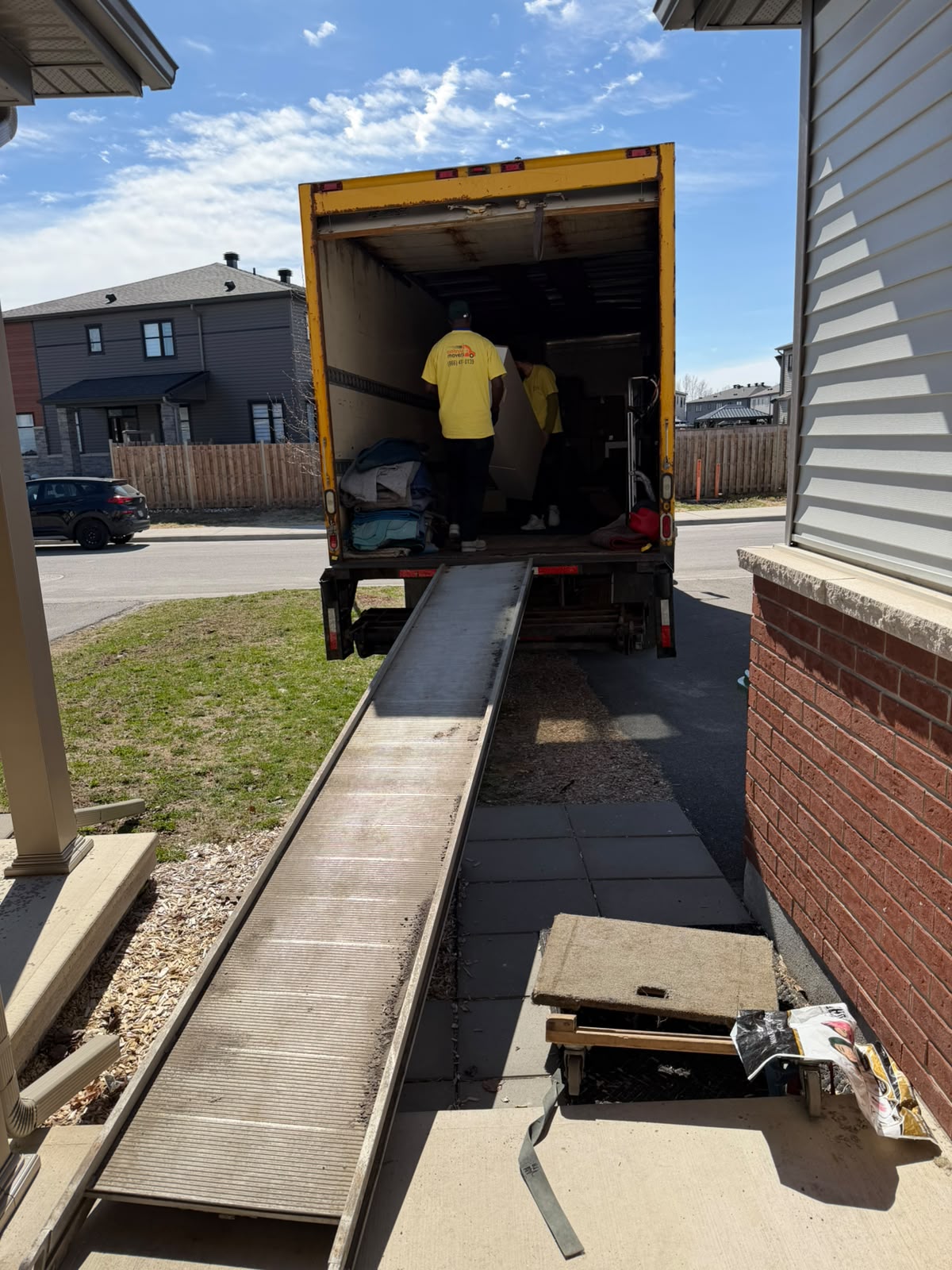
School and public areas moving supports institutions with minimal daily disruption schedules.
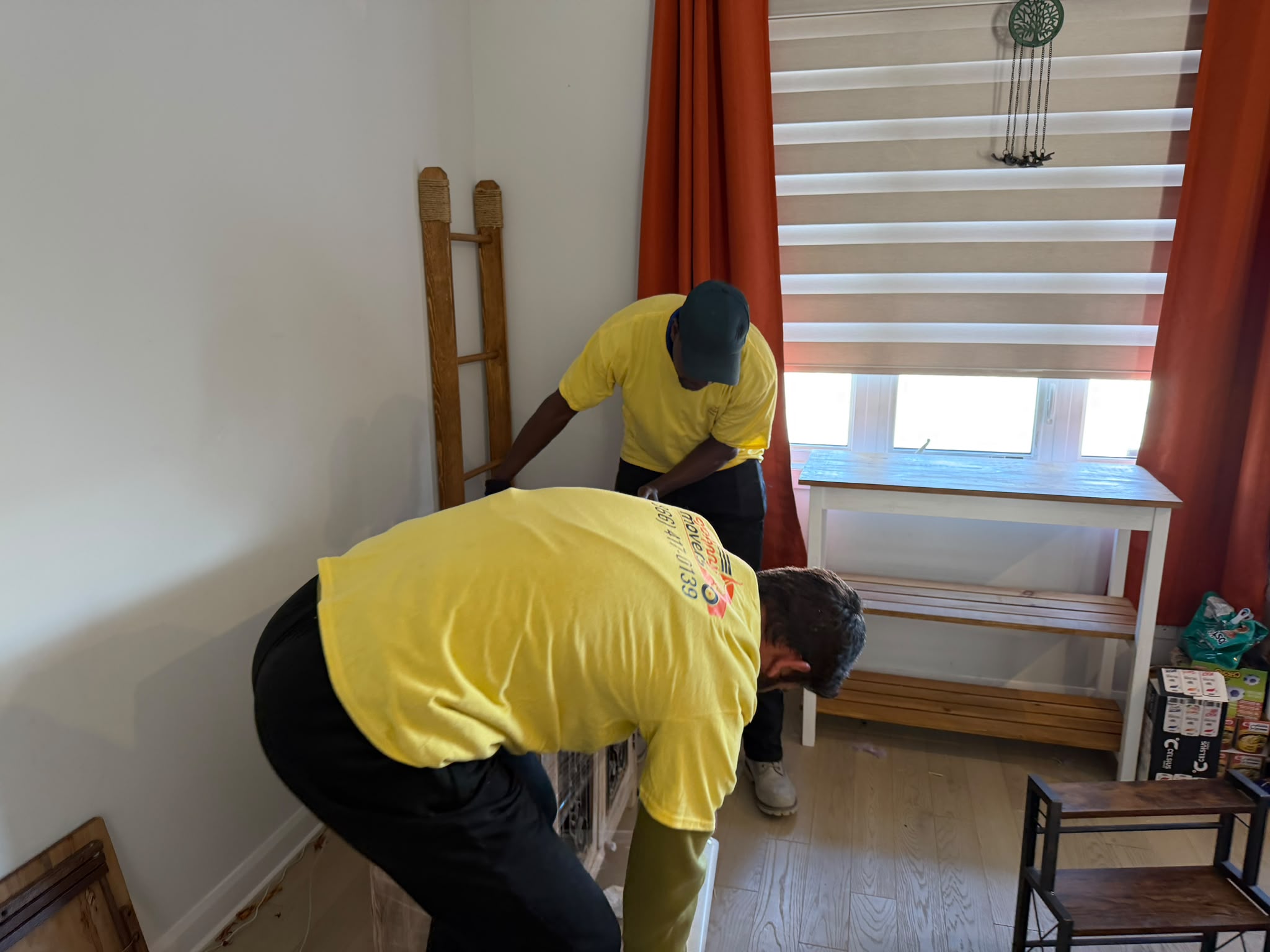
White Gloves Service for B2B ensures premium handling for sensitive business assets.
Trusted IT Moving Support for Business Owners, Office Managers and IT Teams
A successful technology move starts with clear responsibility. The mover should know what is being transported, the IT team should know what must be shut down or prepared, and the destination team should know where equipment needs to go.
Useful pre-move information includes the number of workstations, monitors and other devices; whether server or network equipment is included; floor and room locations; elevator or loading-dock access; parking restrictions; move windows; destination seating or room plans; equipment that needs special handling; and whether the project is local, multi-site or long distance.
For larger moves, an equipment list or simple asset map can make labelling and destination placement easier. O’Johnny’s moving role is to keep the physical relocation organised; technical shutdown, data backup, network configuration, server commissioning and post-move testing should be assigned to qualified IT personnel unless those services are specifically included in a separate verified scope.
Our IT and Computer Moving Service Execution Strategy
A structured IT move reduces last-minute decisions and gives the moving crew and client team a clear sequence to follow.
- Initial IT Move Consultation: We review the origin, destination, equipment types, approximate quantity, access conditions, moving date, work windows, packing requirements and any items needing special handling.
- Move Scope and Responsibility Planning: The client confirms which items O’Johnny will pack and transport and which shutdown, disconnection, backup, technical preparation, reconnection and testing tasks will be handled by the client or IT provider.
- Equipment Labelling and Preparation: Workstations, monitors, peripherals, cables and other approved items can be grouped and labelled so each item has a clear destination.
- Protective Packing: Equipment is wrapped, boxed or otherwise protected according to the approved moving plan and the item’s physical handling requirements.
- Moving-Day Coordination: The crew follows the planned access route, loading sequence and destination instructions while keeping labelled equipment grouped as consistently as practical.
- Controlled Transportation: Technology equipment is loaded and secured for transport with attention to movement, impact risk and load stability.
- Unloading and Destination Placement: Items are unloaded in an organised sequence and placed in the identified rooms, departments or workstation areas according to the agreed plan.
- Handover: The physical delivery is reviewed with the client or designated IT representative so technical reconnection and testing can proceed under the appropriate team.
- OUR LOCATIONS
Moving Service Across TorontoAreas We Serve
Ottawa, Ontario
Moving Location
- Downtown Ottawa
- Kanata
- Nepean
- Barrhaven
- Orleans
Gatineau, Quebec
Moving Location
- Hull
- Aylmer
- Plateau
- Buckingham
- Masson-Angers
Gloucester, Ontario
Moving Location
- Blackburn Hamlet
- Beacon Hill
- Cyrville
- Pineview
- Carson Meadows
Nepean, Ontario
Moving Location
- Bells Corners
- Centrepointe
- Craig Henry
- Barrhaven
- Meadowlands
Kanata, Ontario
Moving Location
- Kanata Lakes
- Beaverbrook
- Bridlewood
- Glen Cairn
- Stittsville
Orleans, Ontario
Moving Location
- Fallingbrook
- Chapel Hill
- Queenswood
- Avalon
- Cardinal Creek
Kingston, Ontario
Moving Location
- Downtown Kingston
- Portsmouth
- Westbrook
- Cataraqui
- Amherstview
Cornwall, Ontario
Moving Location
- Downtown Cornwall
- Riverdale
- Le Village
- Long Sault
- Ingleside
Need Help Choosing Your Location?
Call us now and speak with our moving experts.
+1 (866) 417 0139
Mon - Sun. 8:00 AM - 8:00 PM
Our IT Relocation Workflow
A business technology move works best when preparation happens before the truck arrives. The following workflow keeps the moving portion clear without turning the mover into the client’s IT administrator.
Equipment Review
Identify what is actually moving: workstations, monitors, printers, networking equipment, boxed accessories, approved servers, racks, cabinets or other technology items.
Technical Responsibility Check
Confirm who is responsible for backups, shutdown, disconnection, server preparation, network changes, reconnection and testing. These tasks should never be left ambiguous.
Furniture Planning
Compare larger furniture with the new layout before moving day whenever possible.
Family Distribution
Identify possessions that will be transferred directly to children, relatives, or other designated recipients.
Destination Mapping
Create a simple room, floor, department or workstation destination plan so labelled equipment can be placed where it belongs.
Labelling
Use clear labels for workstations, monitors, peripherals and grouped cables. For larger workstation moving projects, numbering or department-based labels can reduce sorting at the new location.
Packing and Protection
Prepare equipment with suitable wrapping, boxes and protective materials based on the item and approved moving scope. Fragile screens and sensitive hardware should be identified before loading.
Access and Scheduling
Confirm elevators, loading docks, parking, security access, building hours and any after-hours or weekend restrictions before moving day.
Transport Sequence
Load and unload in a sequence that supports organised destination placement rather than mixing labelled technology randomly with unrelated office contents.
Final Physical Handover
Once equipment has been placed, the client or designated IT team can take over reconnection, configuration and operational testing.
Professional Computer Movers for Workstations, Servers and Office Technology
An IT relocation may involve dozens or hundreds of individual components, and the risk is not limited to physical damage. Poor labelling or mixed placement can waste time even when every device arrives intact.
For workstations, the moving plan should keep monitors, computers, docks, peripherals and assigned accessories grouped or traceable. For network or server-room equipment, the server equipment moving process should begin only after the client’s IT personnel have completed any required shutdown, documentation, data protection and technical preparation.
Heavy racks, cabinets, battery systems, specialized electronics or equipment with unusual weight, dimensions or handling requirements should be disclosed in advance. Some items may require a specialized equipment plan rather than a standard office-moving method.
O’Johnny’s Specialized Equipment Movers service can be reviewed when the project includes heavy or unusually sensitive business equipment.
IT and Computer Moving Between Cities and Provinces
Not every technology relocation happens within one building or one city. A business may open a new branch, close an office, consolidate departments, transfer equipment to storage, or move technology to another province.
Long-distance business IT relocation requires more coordination because the equipment may spend longer in transit and the delivery window, destination access and receiving team all need to align.
Before a longer-distance move, confirm the equipment inventory, packing responsibilities, origin and destination access, transport timing, receiving contact, placement instructions and any items that should not travel with the general office load.
For moves beyond the local area, O’Johnny’s Long-Distance Movers service can support the broader transportation plan where available.
For additional preparation support, the Government of Canada’s Office of Consumer Affairs provides a practical moving advice guide. It covers steps such as researching a mover, requesting a written estimate, understanding responsibilities and using a checklist before, during and after a move.
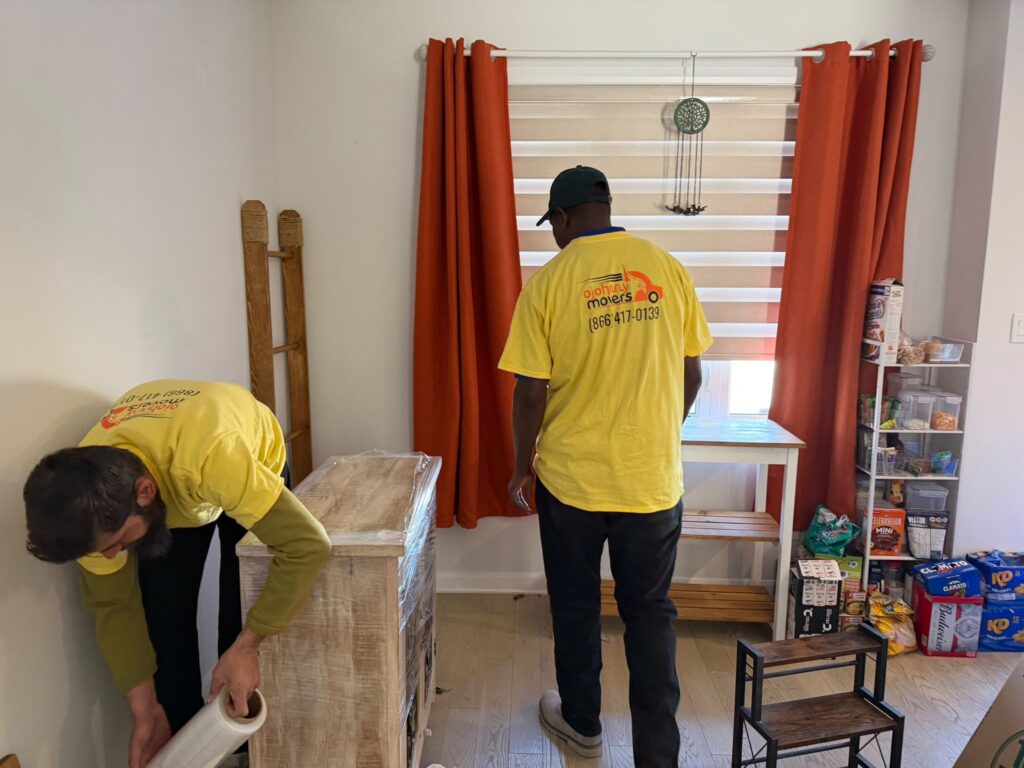
WHY CHOOSE US
Ensuring IT and Computer Moving Services
The strongest reason to use a specialist moving plan for computers and office technology is control. A clear inventory, labelled equipment, agreed responsibilities, protected packing, planned access and organised placement are more useful than vague promises about “zero downtime.”
O’Johnny Movers can support the physical relocation while working around the client’s business schedule and coordinating with the people responsible for IT. Where an office move also includes desks, workstations, filing systems or other furniture, the project can be integrated into the same carefully managed moving schedule.
Confirm the service scope, timing assumptions and any performance commitments in writing before the project begins.
Safe & Professional Packing
100%
Guaranteed On-Time Arrival
100%
Skilled & Experienced Movers
100%
Customer Satisfaction
99%
- HOW WE WORK
Our Operating Methods
Our operating method is built around preparation, controlled handling and clear handoff.
Initial Consulting:
We collect the basic move details, equipment scope, access requirements and special handling information.
01
Plan & Schedule
We coordinate the moving window, crew, vehicle, origin and destination access and any building requirements that affect the physical move
02
Packing Services
Approved equipment is prepared, protected and labelled so it can remain identifiable during loading and placement.
03
Moving Day
The crew follows the agreed sequence, protects equipment during handling and keeps the move organised around the approved plan.
04
Transport & Unload
Equipment is secured for transportation and unloaded according to the destination sequence.
05
Secure Delivery
Items are placed in the designated areas and the physical delivery is reviewed with the client or IT representative before the moving portion is closed.
06
choose your truck
Our Fleet of Moving Trucks
The right vehicle depends on the household size, amount of furniture, destination, and overall moving requirements.

16ft Moving Truck
Suitable for smaller senior apartment moves, partial household relocations, and moves involving fewer pieces of furniture and boxes.

24ft Moving Truck
Useful for small-to-medium household moves involving furniture, appliances, and multiple rooms of packed belongings.

28ft Moving Truck
Designed for larger senior household relocations requiring additional capacity for furniture, boxes, and other household contents.

53ft Moving Truck
Available for high-volume or larger long-distance relocation requirements where significant transportation capacity may be necessary.
Customer Rate
0
%
Successful Moves
0
+
Profesional Team
0
+
Years of Experience
0
+
TESTIMONIALS
What People Say
Real customers trust our moving and storage support for clear communication, safe handling, and dependable service near them.
Posted on GoogleTrustindex verifies that the original source of the review is Google. Polite staff fast service and the results speak for themselves. These guys take pride in their work and it shows.Posted on GoogleTrustindex verifies that the original source of the review is Google. Really I really appreciate it from the service with the do moving Stuff and items correctly safely I really appreciate it from the servicePosted on GoogleTrustindex verifies that the original source of the review is Google. Best movers did beyond our expectations. Thank youPosted on GoogleTrustindex verifies that the original source of the review is Google. Moving day went off without a hitch. Super courteous team and great customer support. Highly recommend!Posted on GoogleTrustindex verifies that the original source of the review is Google. Great service! The team took care of everything in a timely professional manner. Detail oriented, the furniture was carefully wrapped, disassembled and assembled. I would ? recommend them! Thank you! ❤️1 Thank you Guys for tye best servicePosted on GoogleTrustindex verifies that the original source of the review is Google. They were professional, on time, very careful with all the furniture, very quick. I would def recommend them!Posted on GoogleTrustindex verifies that the original source of the review is Google. They are very friendly and knowledgeable. The team members very responsible, dependable in the job they are performing. Highly recommend to anyone who needs a moving company.Posted on GoogleTrustindex verifies that the original source of the review is Google. And when there is any kind of damage, they make it right! Thanks to Ann and the team!
FAQ
Frequently Asked Questions
Clear answers to common questions families ask when choosing a senior moving company.
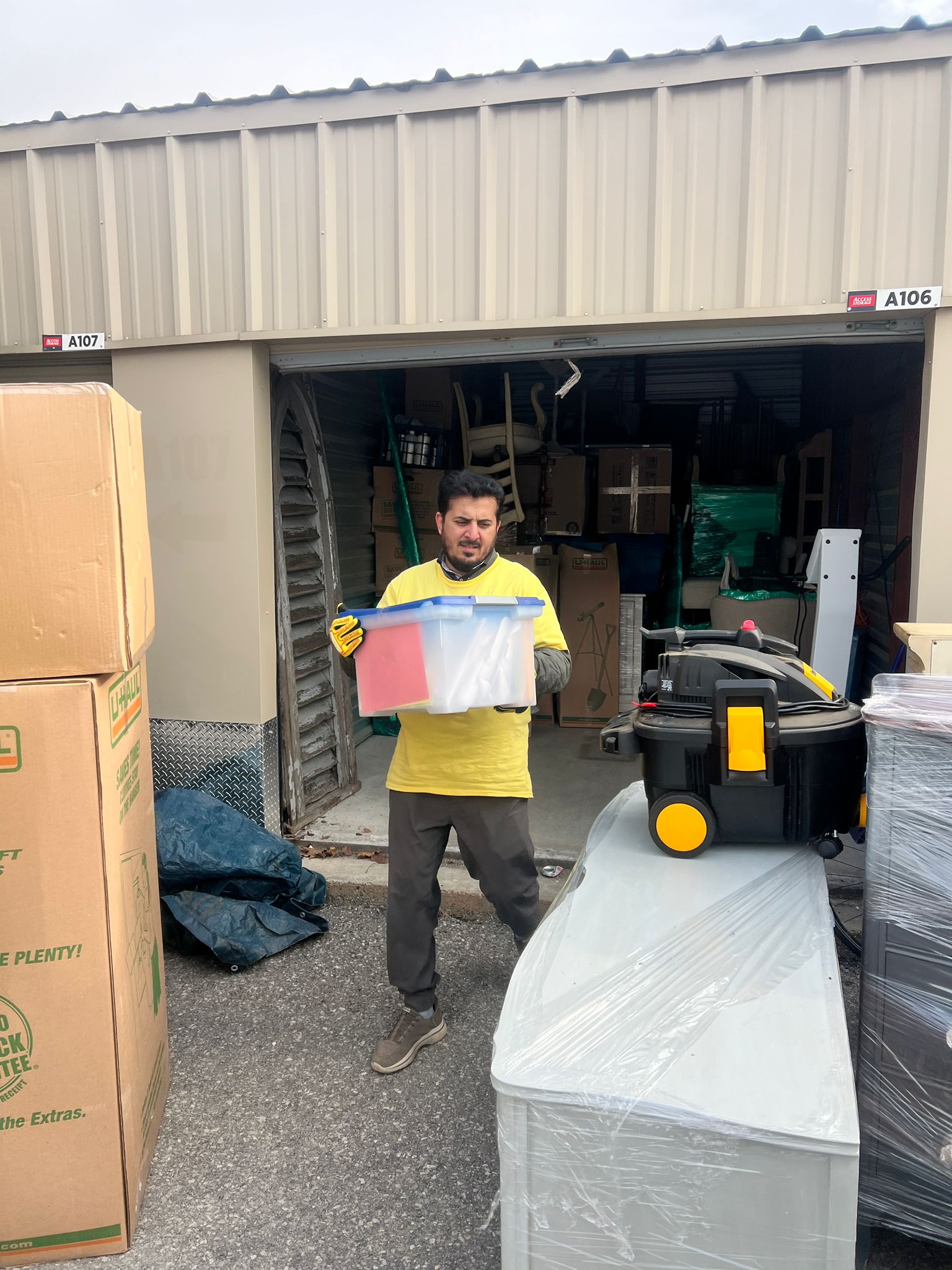
The physical moving scope may include planning, packing, labelling, loading, transportation, unloading and destination placement for approved computers, monitors, peripherals, office electronics, networking equipment and other technology items. The exact scope should be confirmed before the move.
Yes, desktop computers, monitors and common workstation equipment can be included in a computer move when they are part of the approved inventory and can be transported safely.
Server equipment or racks may require additional planning because of weight, dimensions, sensitivity and technical shutdown requirements. The client should identify this equipment in advance so O’Johnny can confirm whether it fits the moving scope or needs specialized handling.
That responsibility should be agreed before the move. O’Johnny’s core moving role is physical relocation. If shutdown, disconnection, reconnection or technical testing is not specifically included in a verified service scope, the client should arrange those tasks with its internal IT team or technology provider.
Data backup is an IT responsibility, not a standard moving task. Businesses should complete and verify appropriate backups before equipment is disconnected or moved.
Plan Your IT and Computer Moving Service
If your business is relocating computers, workstations, office technology or approved server and network equipment, contact O’Johnny Movers with the move date, origin, destination, equipment scope and building-access details. A clear inventory and responsibility plan at the beginning makes the physical move easier to organise and gives your IT team a cleaner handoff at the destination.
Contact O’Johnny Movers
Share the origin, destination, preferred date, approximate inventory and access details so the team can review the moving scope and current availability.
- Business: O’Johnny Movers
- Address: 2407 Kaladar Ave, Unit B, Ottawa, ON K1V 6B2, Canada
- Phone: (866) 417-0139
- Email: ojohnnymovers@gmail.com